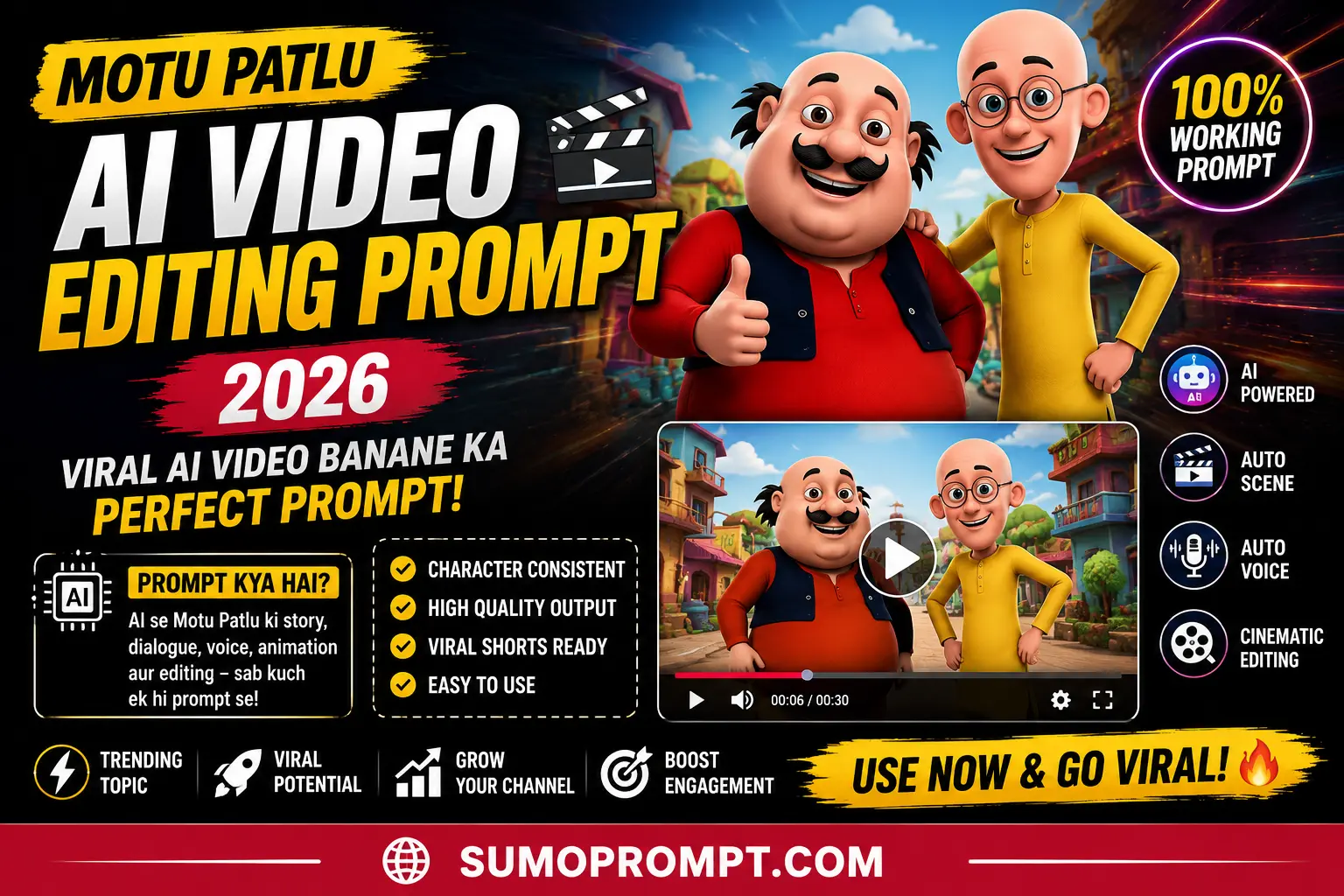
Motu Patlu AI Video Editing Prompt: Cartoon-style AI videos have quietly become one of the biggest short-form trends of the year, and the Motu Patlu version of this trend is leading the pack right now. Instead of filming anything, creators are generating fully animated videos where these two familiar characters “visit” a city, promote a shop, or react to a comment — and it’s racking up huge view counts across Reels and Shorts.
This guide breaks down how this trend actually works, why it’s spreading so fast, and how you can approach building your own version of it using AI tools like Gemini or ChatGPT.
What actually makes the Indian 3D cartoon look
Before the prompts, it helps to know what you’re asking for. The Indian TV animation style has a very specific set of ingredients, and naming them explicitly in your prompt is what separates a proper cartoon from generic Pixar-lookalike output.
Exaggerated body proportions. Big rounded heads, short limbs, dramatically different body shapes between characters — one very round, one very thin. The contrast is the comedy.
Flat saturated colours. Bright, simple, almost poster-like. No moody lighting, no realistic shading, no cinematic colour grading.
Simple soft lighting. Even light across the whole frame with soft shadows. Indian TV animation rarely uses dramatic light because it complicates the render.
Recognisable small-town Indian settings. Narrow gali, chai tapri, kirana shop, scooter parked outside, pigeons on a wall. This is what makes the style feel Indian rather than generic Western 3D.
Simple, readable expressions. Big eyes, obvious emotions. Subtlety doesn’t work at this scale.
Why This Trend Exploded in 2026
- Built-in nostalgia. Motu Patlu has been part of Indian pop culture for years, so the characters already carry instant recognition — viewers don’t need context to understand or enjoy the video.
- Zero filming required. Every part of the video, from the image to the final animated clip, is generated entirely through AI tools, which removes the biggest barrier for beginner creators: not having good camera footage.
- High personalization value. Many versions of this trend let creators insert their own city, village, shop name, or even a custom line of dialogue, which makes the content feel locally relevant to whoever’s watching it.
- Low competition, high novelty. Because the format is still new, feeds haven’t gotten oversaturated with it yet, so well-made versions still stand out.
How the Motu Patlu AI Video Trend Actually Works
At a high level, the process happens in two stages:
Stage 1: Generate a still image. A reference image of the characters is used as a base, and a text prompt describes a new setting — a highway sign, a local shop, a city landmark — while instructing the AI to keep the characters’ appearance consistent with the reference.
Stage 2: Turn that image into a short animated video. A second prompt is used inside an AI video tool to add motion, lip-sync, and dialogue, turning the static image into a short clip where the characters appear to talk and move naturally.
Most creators use Google Gemini or ChatGPT for the image step, and a video-generation tool for the animation step.
How to Structure a Prompt That Actually Works
The biggest difference between a clean result and a distorted, inconsistent one usually comes down to how the prompt is written. A solid prompt for this kind of trend generally needs four things:
- Character consistency instructions – clearly stating that the character’s face, outfit, and art style should stay the same as the reference image.
- A new setting or context – the specific location, shop, or scene you want the characters placed into.
- Visual style guidance – lighting, camera angle, and overall quality (cinematic, vertical format, high detail).
- Dialogue or action – what the characters are doing or saying, kept short and natural.
A loosely written prompt without these details tends to produce inconsistent faces or an odd art style shift, which is the most common complaint people have when trying this trend for the first time.
1. VIDEO PROMPT –
Animate this exact image only. Keep the same two funny 3D cartoon friends, the roadside welcome sign, village road, houses, trees, sky, lighting, colors, shadows, sign shape, camera angle, and overall composition completely unchanged.

The characters naturally blink, smile, breathe, and make subtle hand gestures. The chubby character points toward the welcome sign while the slim character looks around happily. Add gentle wind, soft cloud movement, subtle environmental motion, and a slow cinematic camera push-in with slight left-to-right movement.

Replace only the village name on the welcome sign with “[YOUR VILLAGE NAME]”. Keep the new village name in the same large white font, perfectly centered, matching the original font style, size, spacing, perspective, weathering, texture, and realistic Indian roadside sign typography.

Do not change anything else in the original image. Maintain the original high-quality 3D animated cartoon style, character appearance, facial features, clothing, environment, lighting, colors, shadows, and composition.

Create smooth natural animation with realistic character movement and stable details. Ultra HD, 8K quality, cinematic animation, smooth motion, vertical 9:16 format.

Generate perfectly synchronized Hindi lip-sync dialogue:

मोटू: “पतलू, हम [YOUR VILLAGE NAME] गांव पहुंच गए!”

पतलू: “वाह मोटू! यहां का नज़ारा तो सच में बहुत सुंदर है।”

Negative prompt: changed characters, redesigned characters, altered faces, changed clothes, changed background, changed sign shape, camera angle change, distorted hands, extra fingers, unnatural movement, exaggerated expressions, flickering, warping, morphing, blurry details, inconsistent lighting, moving objects unnecessarily, incorrect sign text, misspelled village name, poor Hindi lip-sync, unsynchronized mouth movement, duplicate characters, low resolution, watermark, logo, text artifacts.
2. VIDEO PROMPT
Animate this exact image only. Keep the same two funny 3D cartoon friends, the green highway welcome sign, road, trees, sky, lighting, colors, sign shape, and overall composition completely unchanged.

The characters should naturally blink, smile, breathe, and make subtle hand gestures while standing in place. The chubby character points toward the welcome sign, while the slim character nods and raises one finger. Add gentle wind moving the trees, soft cloud movement, realistic sunlight, and subtle moving shadows.

Use a slow cinematic camera push-in followed by a smooth left-to-right camera movement, keeping both characters and the welcome sign perfectly in frame throughout the animation.

Keep the “WELCOME” text completely unchanged. Replace only the city name on the green sign with “[CITY NAME]” in the same large white Devanagari font, perfectly centered and matching the original font style, size, spacing, perspective, weathering, and realistic Indian highway sign typography.

Do not alter any other part of the original image. Maintain the original ultra-detailed 3D animated cartoon style, character appearance, facial features, clothing, environment, vibrant colors, realistic textures, cinematic lighting, sharp focus, smooth animation, Ultra HD, 8K quality, vertical 9:16 format.

Generate perfectly synchronized Hindi lip-sync dialogue:

मोटू: “हम लोग छत्तीसगढ़ के फेमस शहर रायपुर में आ गए हैं।”

पतलू: “वाह मोटू! यहां का नज़ारा तो सच में काफी अच्छा लग रहा है, सुमो दीदी के गांव बहुआ घूम के।”

Negative prompt: changed characters, altered faces, changed clothes, redesigned background, changed road or trees, changed sign shape, altered WELCOME text, incorrect city name, misspelled Devanagari text, distorted sign typography, camera framing errors, characters leaving frame, unnatural movement, exaggerated gestures, distorted hands, extra fingers, face morphing, flickering, warping, duplicate characters, inconsistent lighting, unstable shadows, poor Hindi lip-sync, unsynchronized mouth movement, blurry details, low resolution, watermark, logo, text artifacts.
Step-by-Step: Creating Your Own Version
- Start with a reference image of the characters (many creators source a clean, simple base image rather than a busy scene).
- Open Gemini or ChatGPT and upload that reference image.
- Write a prompt describing the new setting, keeping character details locked to the original.
- Generate the image, and regenerate a few times if the first result looks off — this is completely normal.
- Once you have a still image you’re happy with, move to an AI video tool and use a second prompt to add motion, expressions, and dialogue.
- Export the video in a vertical 9:16 format for Reels and Shorts.
Tips to Make Your Video Perform Better
- Keep the dialogue short and locally relevant — mentioning a specific city, town, or shop tends to boost comments and shares from that local audience.
- Avoid overloading one video with too many locations or ideas; one clear scene per video performs better than a cluttered one.
- End with a simple call-to-action line, like inviting viewers to comment their own city or name, since this consistently drives engagement on this type of content.
- Keep clips short (6-10 seconds) — this format performs best as a quick, punchy watch rather than a long narrative.
Common Mistakes to Avoid
- Vague prompts. Leaving out details about the character’s appearance often causes the AI to alter the face or outfit slightly, which breaks the illusion.
- Overcomplicated scenes. Too many background elements can confuse the AI and lead to cluttered, less polished results.
- Skipping regeneration. Very few first attempts come out perfect — regenerating two or three times is a normal part of the process, not a sign something’s wrong.
- Ignoring aspect ratio. Exporting in the wrong format leads to cropped or awkward-looking videos once uploaded to Reels or Shorts.
A Quick Note on Using Recognizable Characters
Since this trend uses a well-known, copyrighted cartoon character, it’s worth being mindful about how the content is used — this kind of AI recreation is generally fine for personal, non-commercial fun content shared casually on social media, but using it for direct commercial promotion or monetized reposting of someone else’s exact prompt/image work is a greyer area worth being cautious about.
Frequently Asked Questions
Q1. Which AI tools are best for this trend?
Gemini and ChatGPT are commonly used for the image generation step, while a dedicated AI video tool is used for turning that image into an animated clip.
Q2. Do I need any editing software for this?
No traditional editing software is required — the entire process happens through text prompts and AI generation tools.
Q3. Why does my character’s face keep changing between generations?
This usually happens when the prompt doesn’t clearly instruct the AI to preserve the reference image’s facial features and art style consistently.
Q4. Can I use my own city or shop name in the video?
Yes, that’s actually one of the main reasons this trend performs well — localized content tends to get stronger engagement from a local audience.
Q5. How long should the final video be?
Most successful versions of this trend stay between 6 and 10 seconds, since that length works best for Reels and Shorts.
Conclusion
The Motu Patlu AI video trend is a good example of how a well-structured prompt — not expensive software — is what actually drives a viral, professional-looking result. Once you understand the two-stage process (image first, then animation) and how to write a prompt with clear character, setting, and dialogue instructions, you can create versions of this trend for practically any city, shop, or idea.
Also Read: Apne Lahu Ke Ghut Pee CapCut Template | Free Download & Guide 2026