There’s something about the Jurm Sirf Itna Hai track that just stops your thumb mid-scroll. That soulful, heavy-hearted Bollywood vibe paired with a slow zoom and a moody color grade — it hits different. If you’ve seen these emotional reels all over Instagram and YouTube Shorts and wondered how people make them look so cinematic, the answer is simpler than you think. You don’t need a laptop or fancy software. On this page you’ll find the Jurm Sirf Itna Hai VN code template, plus a genuine step-by-step guide to make your own trending reel in just a few minutes — even if you’ve never edited a video before. Let’s get into it.
Why This Song Works So Well for Emotional Reels
Not every track suits a deep, cinematic edit — but Jurm Sirf Itna Hai was practically made for it. The song carries a slow, emotional weight, and its pauses and beats line up beautifully with dramatic transitions and slow-motion cuts. That’s exactly why this trend blew up: it turns even simple clips into something that feels like a film scene.
This VN code is built around that emotion. Instead of you struggling to match the mood by hand, the template already has the timing, the slow zooms, and the color grade dialled in. You just bring the moments — and it works whether you’re making a sad reel, a heartbreak edit, an attitude reel, or a cinematic story post.
What You Get With the Jurm Sirf Itna Hai VN Template
Once you scan the code, the entire project loads inside the VN Video Editor. Everything is pre-set:
- Beat- and lyric-synced transitions timed to the emotional drops in the song
- Cinematic slow zoom effects that give that dramatic, film-like feel
- Moody color grading that instantly upgrades ordinary clips
- The trending audio already added, so there’s no searching for the sound
Your only job is dropping in your own photos or clips. The VN template handles the rest.
How to Download and Use the VN Code
The whole thing takes about five minutes, even for a first-timer. Here’s the genuine process:
- Install the VN Video Editor app (VlogNow) from the Play Store or App Store — it’s completely free.
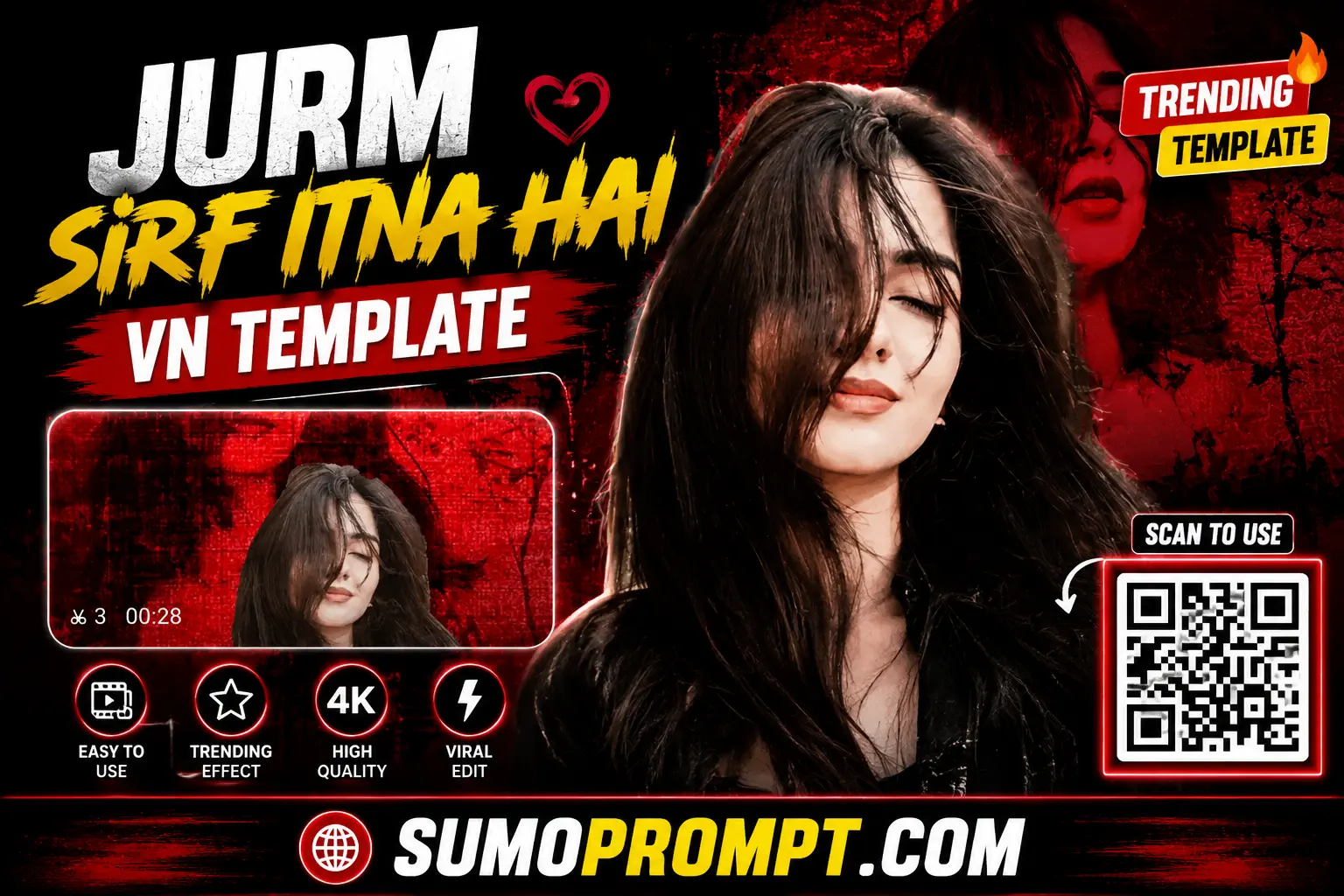
- Save the QR code below to your phone’s gallery, or copy the template code or click download vn qr code click here.
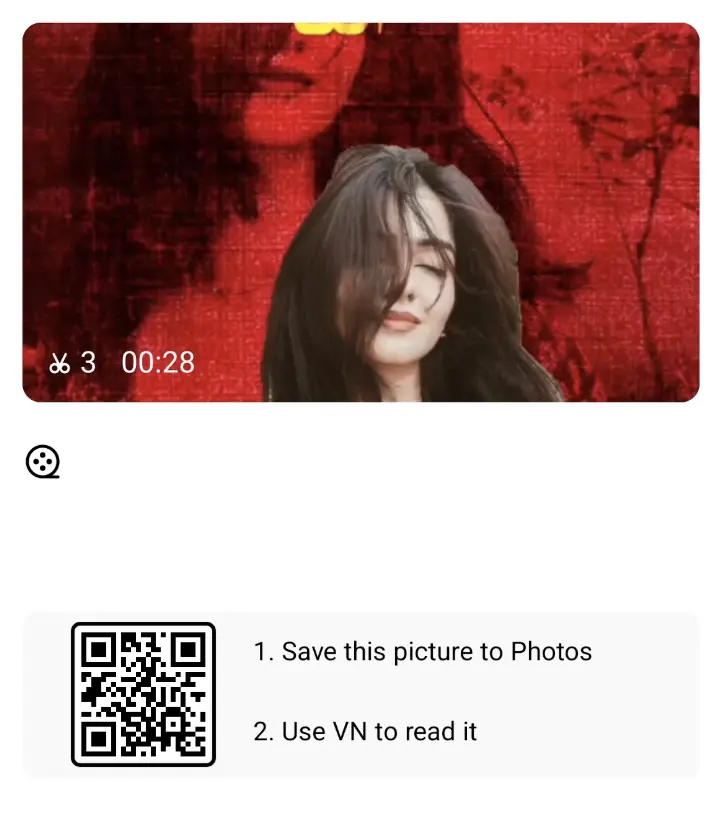
Jurm Sirf Itna Hai VN Template
- Open VN, tap the Scan icon at the top, and pick the saved QR image from your gallery (or paste the code).
- The template loads instantly — tap “Use Template” or “Replace.”
- Add your own clips into the slots. The transitions, zooms, and music apply automatically.
- Preview it once, then export in HD and post.
That’s genuinely all — no manual keyframing, no watermark, no editing skills required.
What Kind of Clips Work Best for This Edit
Since this is an emotional, cinematic template, the footage you choose matters more than usual. These tend to land best:
- Slow, still moments over fast action — a quiet look, walking away, staring out a window. The mood is calm and heavy, not hyper.
- Close-up shots so the slow zoom has something to focus on.
- Low or moody lighting — evenings, indoors, golden hour — suits the emotional tone far better than bright, flat daylight.
- A strong opening clip. The first two seconds decide whether someone keeps watching, so lead with your most striking shot.
Quick Tips to Make It Go Viral
- Keep it short — emotional reels hit hardest when they’re tight, not dragged out.
- Match your clips’ tones so the edit feels cohesive, not patchy.
- Add a short text line — a quote or a feeling — to give the reel context and stop the scroll.
- Post at peak hours (evening, roughly 7–10 PM) for better reach.
- Use relevant hashtags — #vntemplate #vncode #jurmsirfitnahai #reels #sadreels.
Common Problems and How to Fix Them
- QR code won’t scan? Make sure the saved image is clear, then scan it from your gallery. If it still won’t load, clear the VN app cache or paste the template code manually.
- Template looks different from the preview? Update your VN app to the latest version — older versions sometimes miss newer effects.
- Swapped the song and the timing shifted? Preview again after changing the audio so your cuts still land on the beat.
- Export quality looks low? Choose 1080p HD in the export settings before saving.
Frequently Asked Questions
Is the Jurm Sirf Itna Hai VN template free?
Yes — both the template and the VN app are completely free. Just scan the code and start editing.
What is a VN code?
A VN code is a shortcut that instantly loads a pre-made editing project — transitions, effects, and music — into the VN Video Editor, so beginners can create pro-level reels in one tap.
Does this template work on Android and iPhone?
Yes, it works the same way on both. VN Video Editor is available for Android and iOS.
Can I use it for Instagram Reels, Shorts, and WhatsApp Status?
Absolutely — it exports in vertical 9:16, perfect for Instagram Reels, YouTube Shorts, and WhatsApp Status.
Will the final video have a watermark?
No — VN exports clean by default. Just check your export settings before saving.
Final Thoughts
The Jurm Sirf Itna Hai VN code template takes the hardest part of an emotional edit — the timing, the slow zooms, the color grade — completely off your plate, so you can focus on telling your story. Scan the code, drop in your clips, and in a few minutes you’ll have a cinematic reel that looks like it took hours. Bookmark this page and check back often — fresh trending VN templates are added here every week in 2026.
Also read: Hum Pyaar Karne Waale VN Template QR Code Download 2026