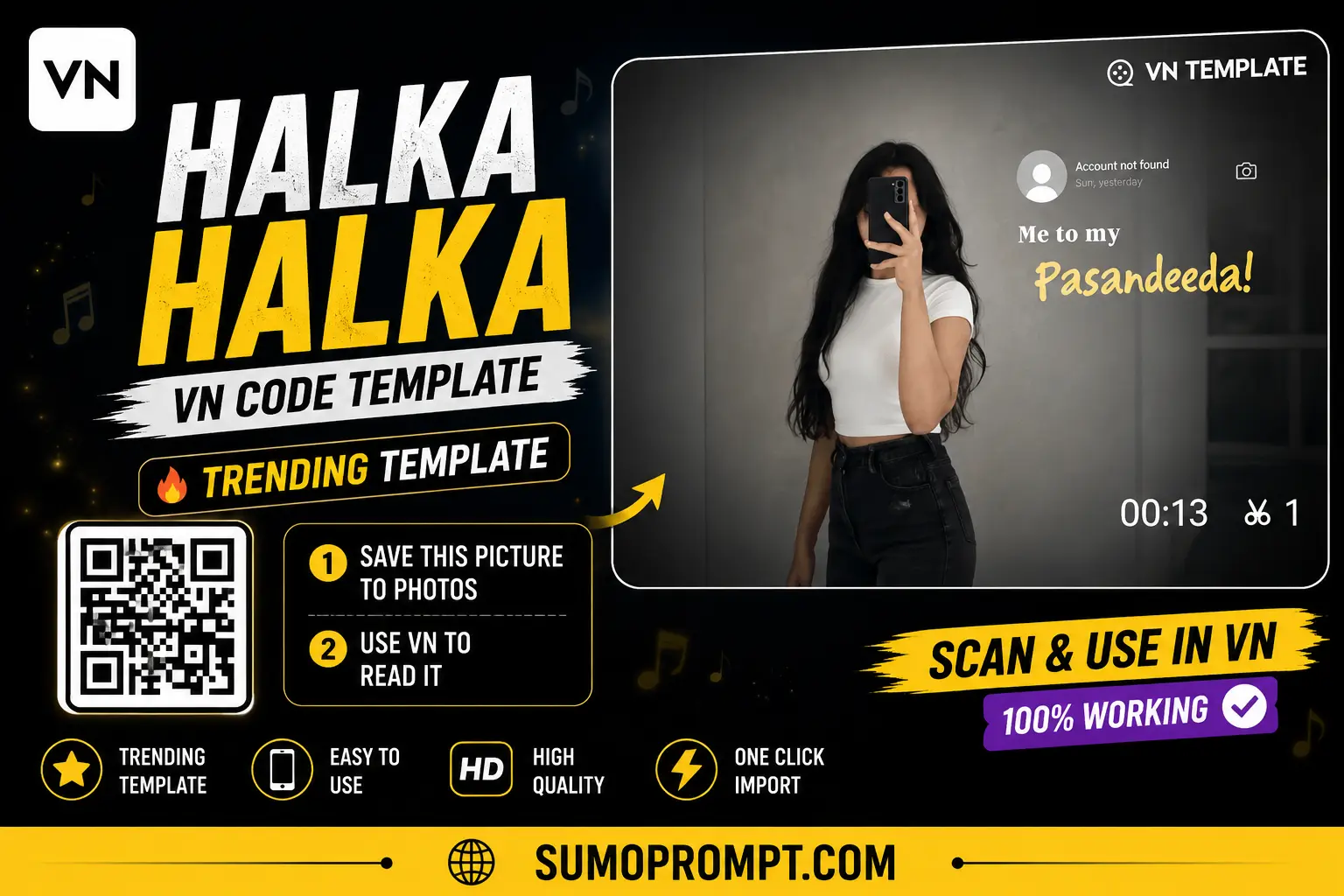
There’s a particular kind of reel that’s been showing up a lot lately — soft lighting, a slow zoom, and the “Halka Halka Suroor” line playing underneath while the video quietly builds toward one emotional frame. It’s calm rather than dramatic, and that restraint is exactly why it’s spreading so widely right now.
This guide walks through what the Halka Halka VN template 2026 actually does, why this particular mood is resonating with so many creators, and how to put together your own version without it feeling copied or rushed.
Why This Particular Trend Keeps Resurfacing
- It adapts well to different moods. Though it began as a sad or reflective template, the same structure suits nostalgic, romantic, or even bittersweet content it’s the pacing that conveys emotion, not a single predetermined theme.
- The pause feels intimate. That one frozen frame in the center allows creators to add something meaningful like an old photo, a personal memory, or a subtle detail giving each version a unique touch, even when everyone uses the same template.
- It looks good when filmed alongside regular footage. You do n’t need clips that look like movie footage for thisoften, simple, everyday shots work better than anything overly slick.
- Rewatch value is strong. Since the transition and pause occur rapidly, viewers frequently rewatch that moment to understand what happened during the pause which naturally boosts the video’s reach..
How to Use the Halka Halka VN Template Step by Step
- Save the QR code for this template to your phone’s gallery.
- Open VN Video Editor — free on both the Play Store and App Store if you don’t already have it.
- Tap the scan icon near the top of the app’s home screen.
- Select the saved QR image from your gallery, and the full project will load automatically with its transitions and timing intact.
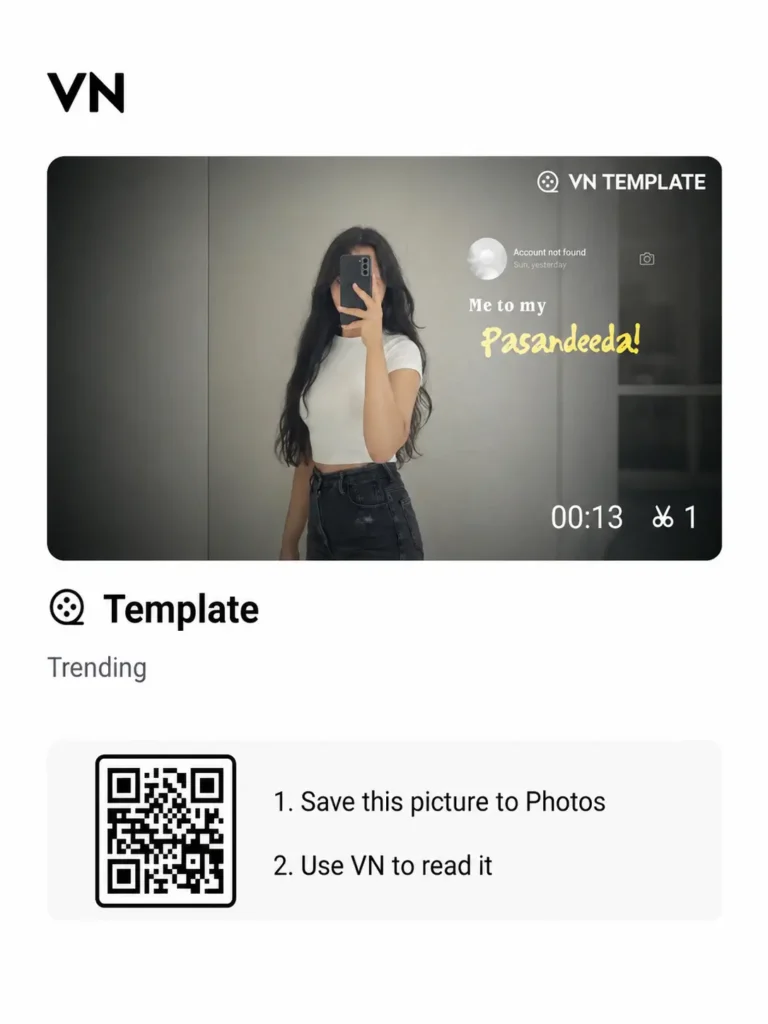
Halka Halka VN Template Qr Code
- Add your main video clip first, then place your chosen photo at the designated pause point in the template.
- Preview the whole edit carefully — since the pause has to land exactly right, a small timing mismatch is more noticeable here than in a fast-cut template.
- Export in HD and post it, or share it privately if it’s meant for someone specific.
Choosing the Right Clip and Photo
This template really only needs two core elements done well — a short video clip and one photo for the pause moment — so it’s worth being intentional about both:
- For the video clip: pick something with soft, natural movement — a slow walk, a quiet moment, gentle handheld motion — rather than fast or shaky footage.
- For the pause photo: choose something with real meaning behind it — an old memory, a specific person, or a moment that ties into whatever feeling you’re trying to express. This is the one part of the edit viewers will actually pause on, so a generic or random photo weakens the whole effect.
- Lighting matters more than usual here. Soft, slightly dim lighting suits this template’s tone far better than bright, high-contrast footage.
Where People Usually Go Wrong With This Template
- Using low-quality footage. Because the video slows down at the pause point, blurry or pixelated clips become far more noticeable than they would in a fast-cut edit.
- Picking a random photo for the pause. The pause is the emotional core of this template — a photo with no real meaning behind it makes the whole reel feel hollow.
- Rushing the transition timing. Copying the template exactly without adjusting the pause point to your own clip’s timing often causes it to land a fraction of a second off, which is enough to break the effect.
- Overexplaining in the caption. A long, detailed caption tends to undercut the quiet, understated tone this template relies on.
Tips to Make Your Version Feel Original
- Don’t just copy the exact style you saw in someone else’s reel — pick your own frame for the pause moment so it reflects your own memory or context instead.
- Keep the caption short, even just a single line, since it fits the restrained tone of the edit better than a longer one.
- If you’re using this for a personal, reflective post, consider not overexplaining it publicly at all — sometimes the pause and photo say enough on their own.
- Test the pacing with your specific clip length before finalizing, since footage that’s slightly longer or shorter than the template’s default may shift where the pause naturally falls.
Frequently Asked Questions
Q1. Is the Halka Halka VN template free?
Yes, it’s completely free to download and use, with no hidden cost.
Q2. Does this template only work with sad or emotional content?
No, while it started as a sad-reel format, the same slow, pause-based structure works well for nostalgic, romantic, or reflective content too.
Q3. How many clips or photos does this template need?
Typically just one main video clip and one photo for the pause moment, making it one of the simpler templates to put together.
Q4. Why doesn’t my pause moment land at the right time?
This usually happens when your clip’s length or pacing doesn’t match the template’s original timing. Adjusting the clip slightly or trimming it to fit the pause point usually fixes this.
Q5. Is VN Video Editor free on iPhone as well as Android?
Yes, VN is available for free on both platforms, and the QR scanning process works identically on either.
Conclusion
The Halka Halka VN template works because it doesn’t rush — it gives one quiet moment room to actually land, which is rare in a feed full of fast cuts. Pick a clip and photo that genuinely mean something to you, get the pause timing right, and this template will do the rest without needing to look like everyone else’s version of it.
Also Read: Golden Hour 3 Layer AI Photo Editing Prompt 2026 | Viral Cinematic Collage for ChatGPT & Gemini