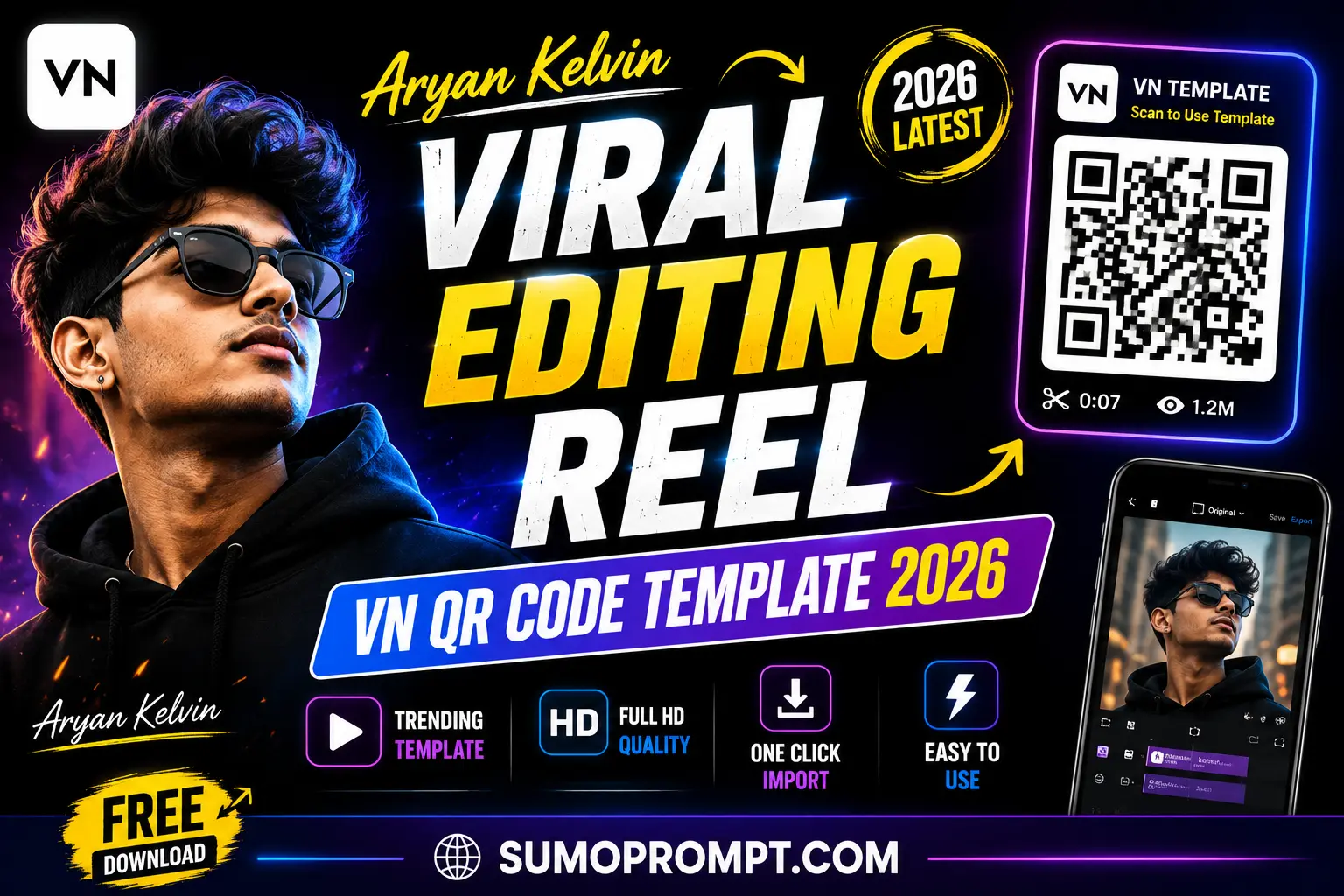
Aryan Kelvin VN Template : You’ll see his name spelled two ways online — “Aryan Kelvin” and “Aaryan Kelvin” — and both refer to the same person: Aman Pandit, born 3 February 2002 in Bhuli, a locality of Dhanbad, Jharkhand. That spelling inconsistency is actually a small clue to how organically his following grew — a stage name that spread faster through word-of-mouth and shares than through any single official branding push, which is part of why both versions still circulate today.
From a Basic Phone to 18 Million Followers
Aman didn’t start with expensive equipment or an agency behind him. Coming from a modest, middle-class household, he built his early content with nothing more than a basic mobile phone and self-taught editing skills. What carried him forward was a clear sense of what actually makes desi audiences laugh — middle-class family setups, the chaos of friendships, and everyday village and small-town life, delivered with strong comic timing rather than expensive production. As of May 2026, that formula has taken him past 18 million followers on Instagram and over 4.3 million subscribers on YouTube.
What Actually Defines His Content
- Relatable scenarios over polished visuals. His videos lean on situations audiences immediately recognize — family dynamics, friendship banter, small-town moments — rather than anything aspirational or distant.
- Delivery over editing effects. The humor comes from timing and expression more than transitions or visual tricks.
- A consistent, recognizable identity. Rather than chasing every unrelated trend, his content sticks to one clear comedic voice, which is a big part of why audiences keep coming back.
How to Use the VN Template Step by Step
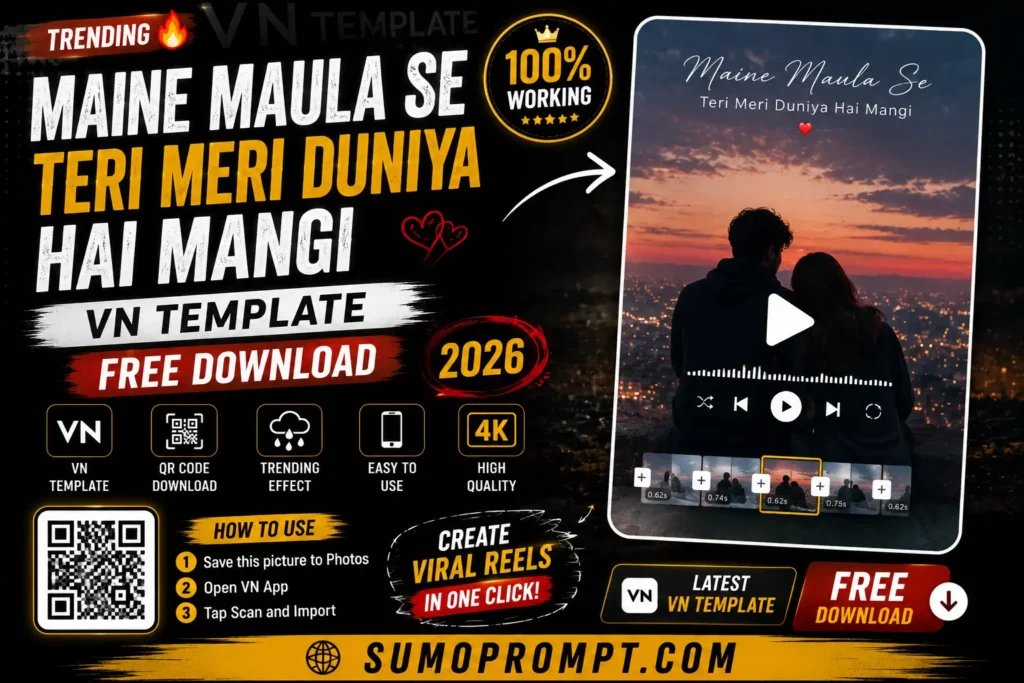
- Save the QR code for the template to your phone’s gallery.
- Open VN Video Editor — free on both the Play Store and App Store.
- Tap the scan icon near the top of the app’s home screen.
- Select the saved QR code image from your gallery. The template will load with its transitions and pacing pre-set.
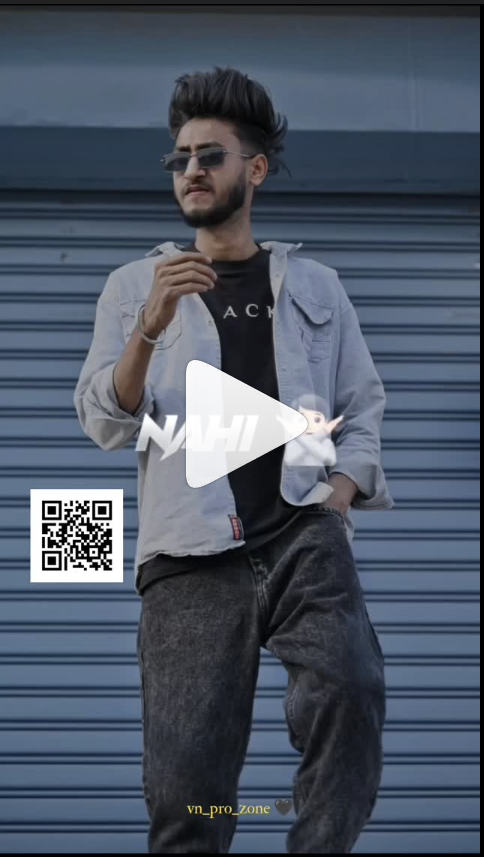
- Add your own clips into the available slots — since the pacing is fast, shorter, punchier clips generally work better than long, slow ones.
- Preview the full edit, paying close attention to whether each cut lands cleanly on the beat.
- Export in HD and post to Instagram Reels or YouTube Shorts.
What Creators Can Actually Learn From This
- Equipment matters less than people assume. A basic phone was enough to build a genuine following — writing and timing did the heavy lifting.
- Consistency beats a single viral hit. Sustained growth here came from a clear, repeated identity over time, not one lucky video.
- Local, specific humor travels further than generic content. Scenarios rooted in real, recognizable Indian middle-class life connected more than anything trying to appeal broadly.
Frequently Asked Questions
Q1. What is Aryan Kelvin’s real name?
Aman Pandit, born 3 February 2002 in Bhuli, Dhanbad, Jharkhand.
Q2. Why do I see his name spelled two different ways?
Both “Aryan Kelvin” and “Aaryan Kelvin” refer to the same creator; the spelling has varied across his own accounts and how audiences reference him.
Q3. How large is his following as of 2026?
Over 18 million followers on Instagram and more than 4.3 million subscribers on YouTube, as of May 2026.
Q4. Is the VN template used to recreate his style free?
Yes, VN templates are free to download and use on both Android and iOS.
Q5. What kind of content is he known for?
Desi comedy centered on middle-class family life, friendships, and village or small-town humor.
Conclusion
Aryan Kelvin’s rise from a basic phone in Dhanbad to over 18 million followers isn’t a story about expensive gear or a single viral trick — it’s writing, timing, and a consistent identity built around real, relatable Indian life. Recreating that with a VN template means focusing less on transitions and more on the scenario and delivery itself.
#trending #viral #editing #reels
ALSO READ: Travel Vibe Energy VN Template QR Code Download 2026



Pingback: Father Mother Tattoo On Chest AI Photo Prompt 2026 – Free & Ready to Use
Pingback: Realistic Couple Selfie Prompts 2026 – Viral AI Photo Editing Guide