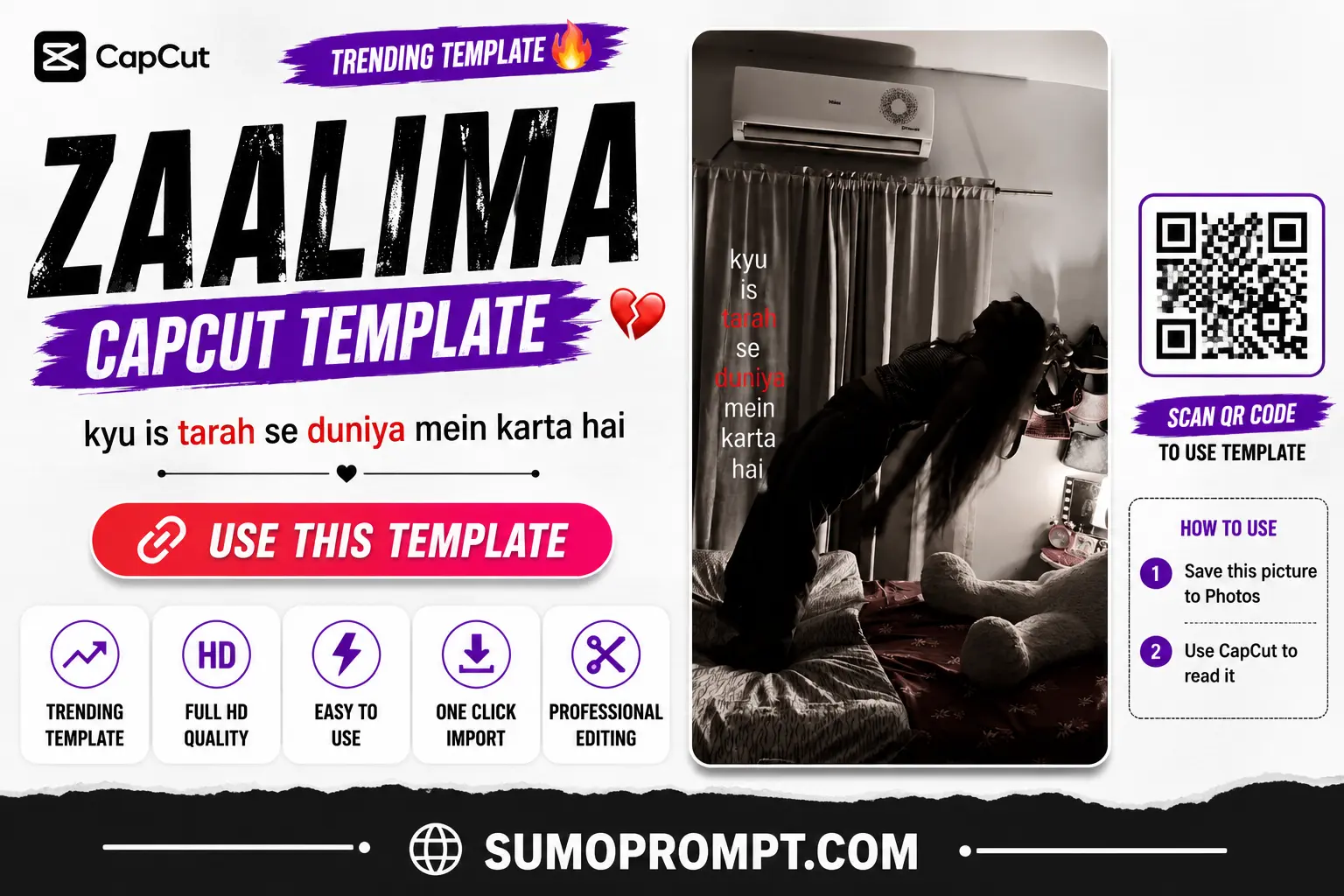
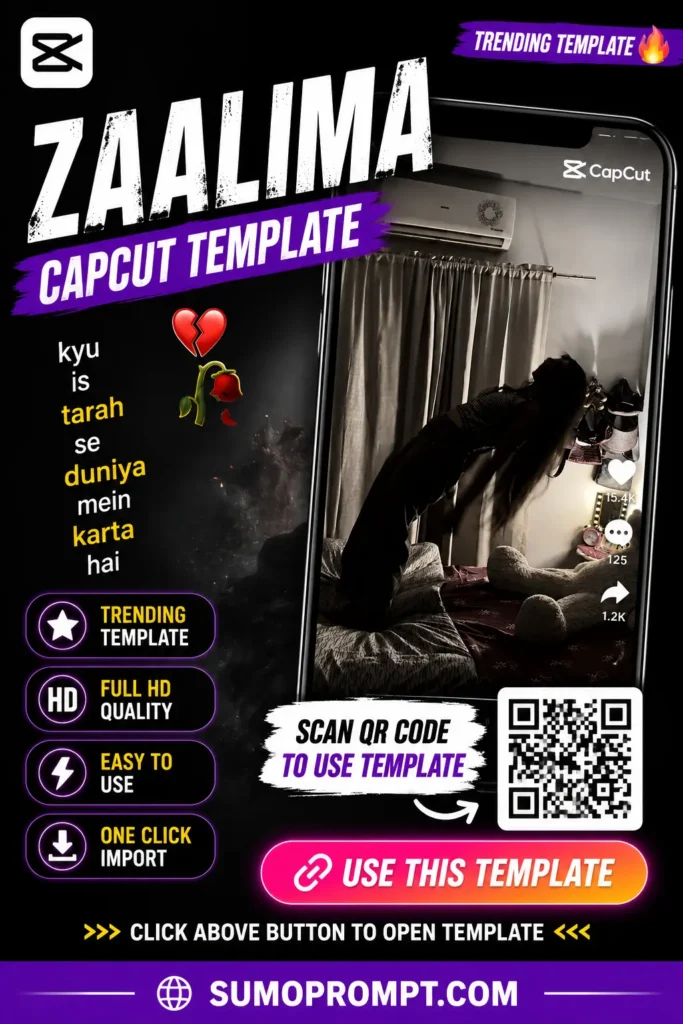
If you’ve spent any time on Instagram in the last few weeks, you’ve probably run into this exact reel more than once: a girl walks toward the camera normally, then falls onto a bed in one smooth, styled motion — and right at that moment, the video drops into slow motion while the song “Zaalima” kicks in. The lyrics show up as on-screen text, and the whole clip takes on a slightly black-and-white, grainy “old camera” look that gives it a soft, nostalgic feel.
This particular format has spread so fast that it’s showing up in nearly every third or fourth reel right now. This guide covers how the trend actually works, what to pay attention to while recording your clip, and which mistakes tend to ruin the final result.
What’s Actually Happening in the Zaalima Trend
This isn’t a multi-clip edit with a complicated structure — it’s built around a single clip, where timing is everything:
- The video starts at normal speed — the subject walks toward the camera or does some other natural movement.
- The moment they fall onto the bed, the template automatically switches into slow motion.
- At that exact same moment, the Zaalima song hits its drop, and the lyrics appear as text on the side of the screen.
- The whole visual takes on a desaturated, black-and-white grain effect, which is the template’s signature look.
The entire effect lives or dies on timing — if the fall doesn’t land in sync with the music and the slow-motion switch, the whole thing loses its impact.
Why This Trend Is Going So Viral
- Simplicity is its biggest strength. You only need one clip — no multiple locations, no complicated props, nothing elaborate. That’s part of why almost anyone can try it.
- A nostalgic, soft aesthetic. The black-and-white grain effect gives it an old-film kind of feel, which stands out against the usual high-polish edits people are used to seeing.
- Universal emotional pull. Zaalima is a well-known, emotionally rich song, so the audio alone grabs attention even when the visual itself is simple.
- Low effort, high payoff. You don’t need a professional camera or lighting setup — if the timing lands right, the result still looks polished.
How to Use the Zaalima CapCut Template
- Record your base clip — walking toward the bed or falling onto it, with natural, smooth movement.
- Open the CapCut app. If you don’t have it yet, it’s a free download on the Play Store or App Store.
- Tap the “Use Template” button — this opens the template directly inside your CapCut app.
- Add your recorded clip into the slot provided in the template.
- Tap “Next” and let the template process it — slow motion, captions, and music get added automatically.
- Check the preview carefully — make sure the slow-motion switch and the falling moment actually line up.
- Export and post it to Instagram Reels or TikTok.
What to Pay Attention to While Recording Your Base Clip
Since the whole trend depends on just one clip, how you record it directly decides how good the result looks:
- Keep the movement smooth. Jerky or rushed movement throws the timing off.
- Choose decent lighting. Even though the final effect is black-and-white, if the original footage is too dark, a lot of detail gets lost.
- Make the fall slightly deliberate. Falling too fast can make the template’s slow-motion switch look awkward instead of dramatic.
- Keep the camera stable. Using a tripod or resting your phone on a steady surface gives the cleanest result.
- Record a slightly longer clip than you need. Having extra footage gives the template more room to find the exact right cut point.
Common Mistakes That Ruin the Result
- Imperfect recording. Even a slightly off movement or timing can cause the effects (slow-motion, captions) to land a bit early or late — and it’s noticeable when they do.
- Recording too short a clip. The template needs a few extra seconds of footage to time things properly, so don’t cut your clip too tight.
- Skipping the preview and exporting right away. A lot of creators export immediately without checking whether the effect actually lands where it should.
- Overloading the caption. This trend works entirely on the visual and the song — a long, cluttered caption takes away from that rather than adding to it.
Tips to Make Your Reel Even Better
- Add a small, natural pause right before the fall — it makes the slow-motion transition feel more dramatic and satisfying.
- If the timing feels a little off, trim or adjust the clip slightly inside CapCut and try again.
- Keep your outfit and background simple — a cluttered background clashes with this soft, nostalgic aesthetic.
- When writing your caption, use a short line from the song or a genuine feeling of your own instead of something generic.
Frequently Asked Questions
Q1. Is the Zaalima CapCut template free?
Yes, it’s completely free and available to any CapCut user.
Q2. How many clips does this template need?
Just one — where you walk toward the camera and fall onto the bed.
Q3. Is this template only for girls?
The trend has mostly been popularized by girls, but the template itself works for anyone who records it genuinely.
Q4. Why doesn’t my slow-motion effect land in the right place?
This is usually caused by a timing mismatch in your base clip. Try trimming the clip slightly or adjusting your movement and record again.
Q5. Is the CapCut app free?
Yes, CapCut is free on both Android and iOS.
Conclusion
The Zaalima CapCut template is a good reminder that sometimes the simplest trends end up going the most viral — just one clip, the right timing, and an emotional song. The whole trick lies in the recording itself: if the movement is smooth and the timing lands right, the template takes care of the rest on its own.
Also Read: Its Your Pasandida Aurat Birthday VN Template QR Code Download 2026