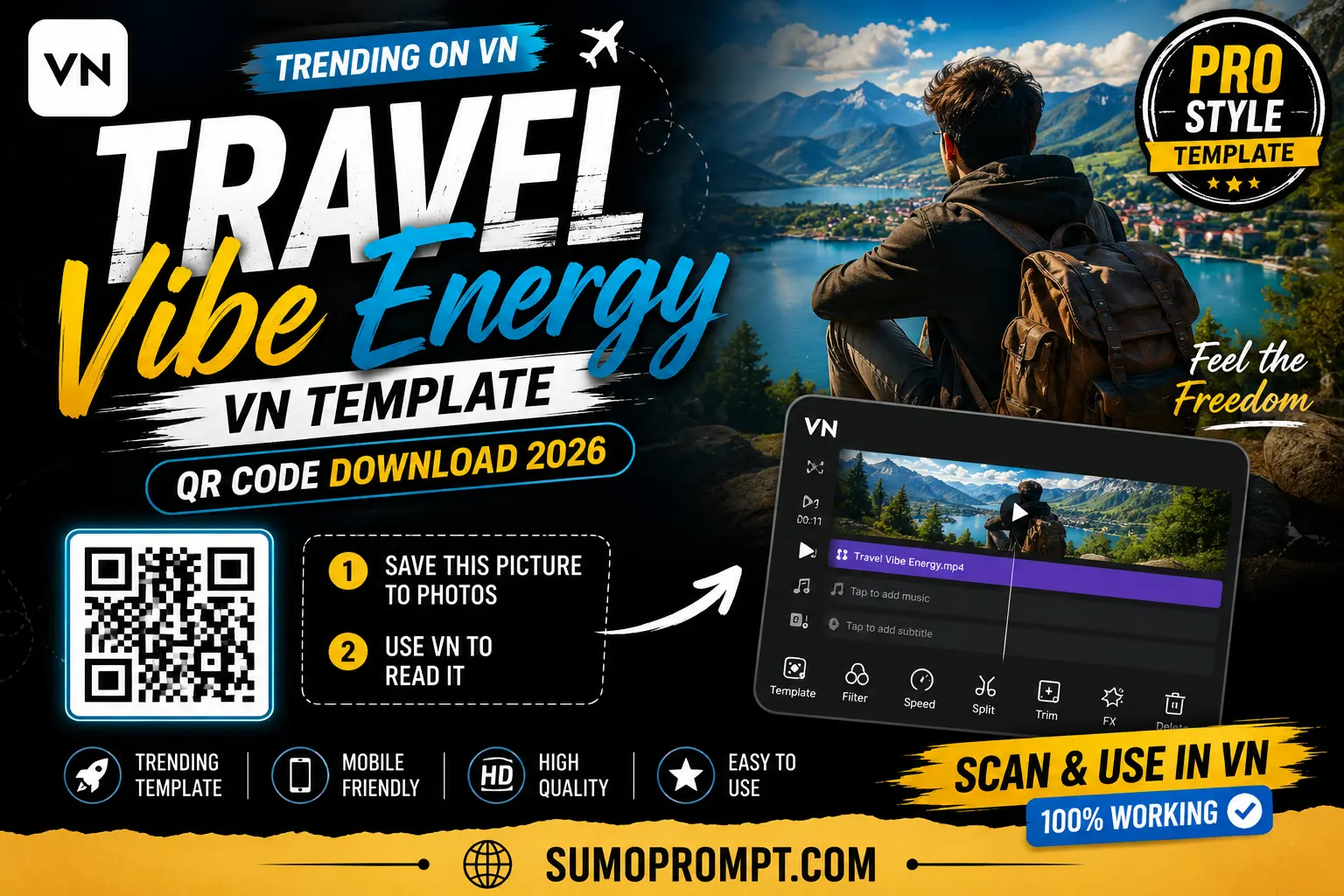
You just got back from a trip, your camera roll has forty random clips, and you have absolutely no idea how to turn them into something worth posting. That’s the exact situation the Travel Vibe Energy VN template was built for. It’s not about having perfect footage — it’s about taking whatever you actually shot and giving it a sense of movement and energy that makes the trip feel bigger than it looked in the moment.
Here’s everything you need to know before you scan the code.
Is Your Footage a Good Fit? (Quick Self-Check)
Before downloading anything, it helps to know whether this template will actually suit what you shot. Ask yourself:
- Do you have at least a few clips with movement in them — walking, a vehicle, wind, motion of any kind?
- Is your footage a mix of wide shots and close-up moments, rather than all one type?
- Was most of it shot in daylight or golden hour, rather than very low light?
- Do you have more than one location or moment from the trip, not just a single spot?
If you answered yes to most of these, this template is a strong match. If most of your footage is static, posed photos with no motion at all, a slower cinematic template might actually suit your clips better than this one.
What This Template Actually Does
Once you scan the code inside VN Video Editor, the app applies a set of pre-built transitions, pacing, and color grading designed around motion. Instead of straight cuts between clips, transitions are timed to moments of movement — a step, a turn, a vehicle passing — so the cuts feel connected rather than abrupt.
The color tone leans slightly warm and saturated, which is part of why ordinary daylight footage ends up looking more vivid and “alive” once it’s run through this template, without needing any manual color correction.
Getting the Template Onto Your Phone
- Save the QR code image for this template to your gallery.
- Open VN Video Editor — it’s free on the Play Store and App Store.
- Tap the scan icon at the top of the home screen.
- Choose the saved QR image from your gallery. The template imports automatically.
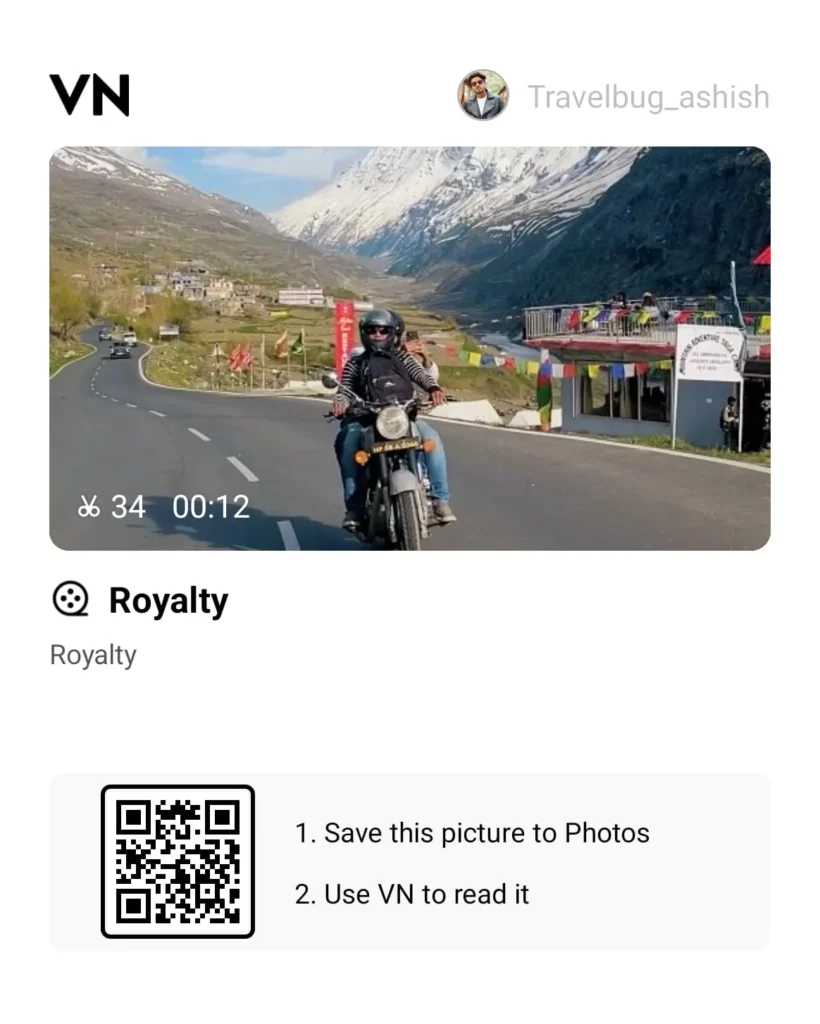
Travel Vibe Energy VN Template QR Code Download 2026
- Drop your own trip clips into the empty slots.
- Watch the full preview once before exporting — pacing issues are easier to catch here than after you’ve already posted.
- Export in HD and share to Reels or Shorts.
Most people get through this in under five minutes, template download included.
Building Your Clip Order (This Part Matters More Than People Think)
A common mistake is dropping clips in randomly, in whatever order they were shot. A better approach is to think of your trip in three rough stages:
- Opening energy – the first clip should have visible motion or a striking wide shot, since this is what decides whether someone keeps watching.
- The middle stretch – mix in candid, close-up reaction shots between the wider scenic ones, so the edit doesn’t feel like a static slideshow.
- The closing beat – end on your strongest or most memorable clip, since this is what people remember right after the video ends.
This structure works regardless of where you actually traveled — the point is variety and pacing, not the destination itself.
Footage That Works, and Footage That Doesn’t
Works well:
- Clips shot from a moving car, train, or bike
- Wide landscape shots with a person somewhere in frame for scale
- Walking or turning shots from a slightly lower angle
- Quick, unplanned reactions — laughing, pointing, looking around
Doesn’t work as well:
- Fully static, posed photos with zero movement
- Extremely dark or poorly lit indoor clips
- Shaky, unstabilized footage in the faster-paced sections
- A single location repeated across every clip with no variation
Where This Trend Tends to Underperform
- Too much sameness. If every clip looks similar (same lighting, same angle, same subject), the energy the template is built around doesn’t come through.
- Wrong aspect ratio. Landscape-shot clips dropped directly into a 9:16 template often crop out the most important part of the frame.
- Rushing the export. Skipping the preview step is the single most common reason people notice a mistimed transition only after posting.
- Ignoring audio balance. If your own trip audio is mixed in over the template’s music without adjusting levels, it can make the whole edit sound cluttered.
A Few Small Additions That Improve the Result
- Film one or two “in-between” clips specifically for this edit — getting into a vehicle, walking toward a view — since these are perfect for transition points and most people forget to shoot them.
- Keep your caption short and open-ended rather than a full trip recap; it tends to invite more comments.
- If you’re posting multiple reels from the same trip, use this template consistently across them so your page starts to build a recognizable travel style.
- Post while the trip still feels recent — travel content generally gets its strongest engagement window in the first few days after a trip ends.
Frequently Asked Questions
Q1. Is this template really free?
Yes, no payment or subscription is needed to download or use it.
Q2. What if I only have a handful of clips from my trip?
Four to five clips is enough, as long as there’s some variety between wide shots and close-ups.
Q3. Can I use this for a single-day trip, not a full vacation?
Yes, it works fine for short day trips as long as the footage includes some movement and more than one moment or location.
Q4. Does this need Android specifically, or does it work on iPhone too?
VN Video Editor is free on both Android and iOS, and the QR code works the same way on either.
Q5. Why did my edit come out feeling flat compared to others I’ve seen?
This usually comes down to footage variety. All-static or all-similar clips won’t showcase the template’s energy the way a mix of movement and close-ups will.
Conclusion
The Travel Vibe Energy template isn’t about perfect footage — it’s about giving ordinary trip clips a sense of motion and pacing that most people don’t bother setting up manually. Run through the self-check above, order your clips with a bit of intention, and this template will do the heavy lifting for the rest.
Also read:Awarapan VN Template QR Code Download 2026 | Sad Emotional Reel Edit
Pingback: Sorry You Do Not Have Enough Load VN Template — 5 Ways to Use It (2026)
Pingback: Aryan Kelvin Viral Editing Reel VN QR Code Template 2026
Pingback: Father Mother VN Template 2026 - Sumo Prompt