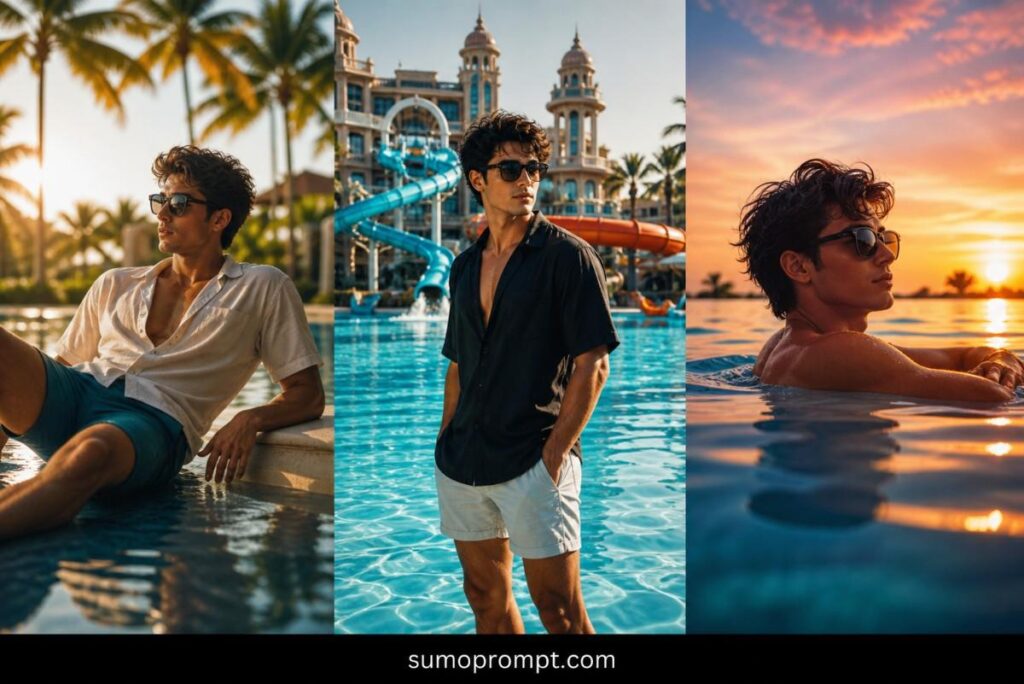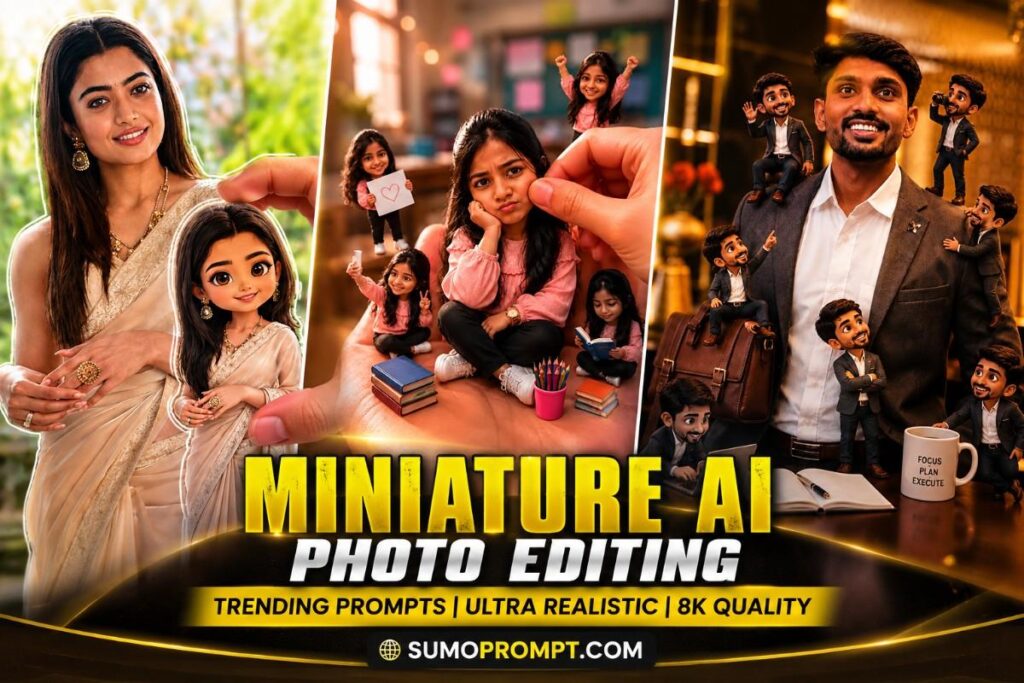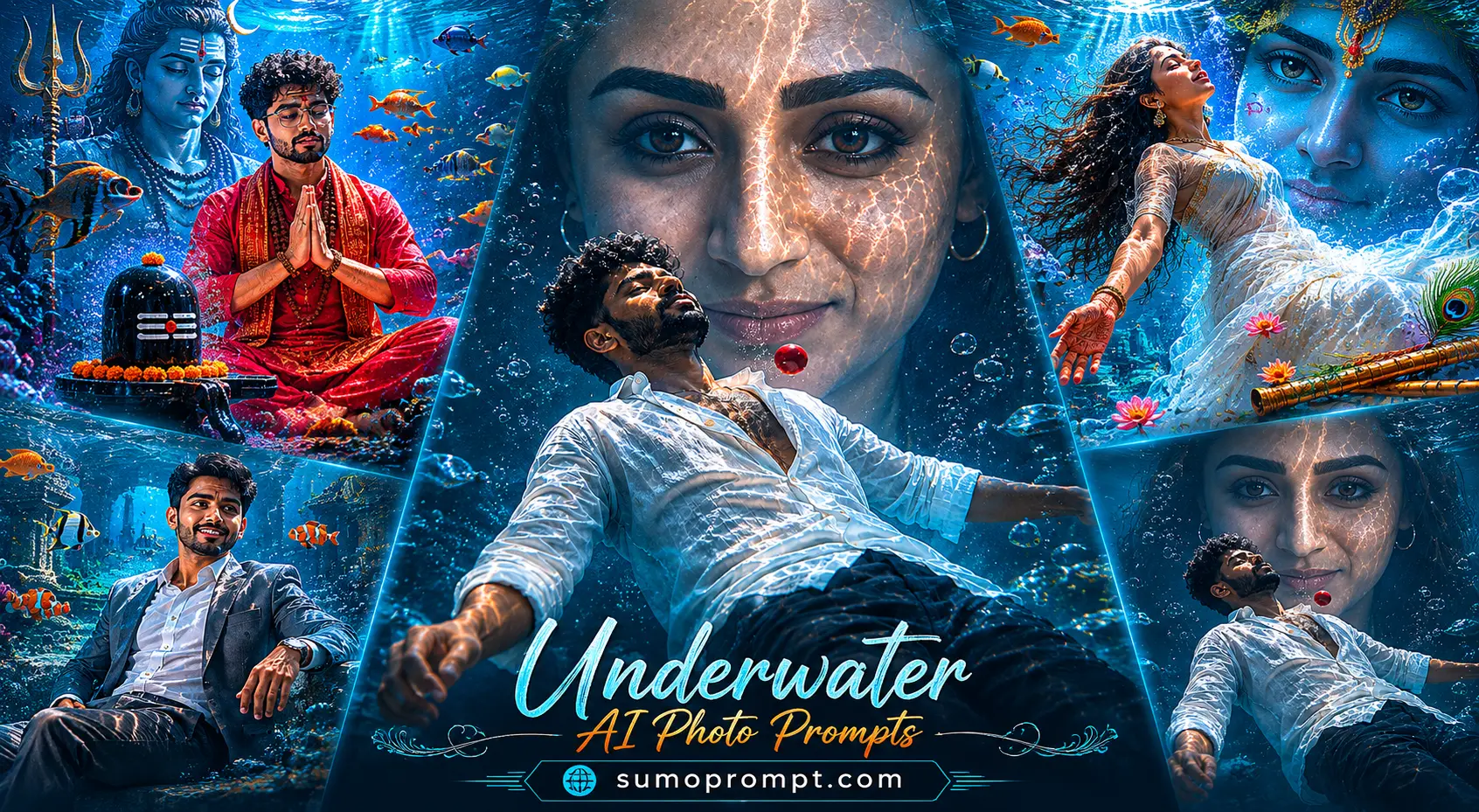
Those dreamy shots of people floating underwater — sunlight breaking through the surface, hair drifting, everything soft and cinematic — are everywhere right now. And no, people aren’t booking underwater photoshoots. They’re using an underwater prompt for ChatGPT. In this post you’ll get ready-to-use viral underwater AI photo editing prompts plus a simple step-by-step guide to turn your own selfie into a stunning underwater portrait in under a minute. No diving, no camera, no editing skills needed.
What Is the Underwater AI Photo Trend?
The underwater AI photo editing trend takes an ordinary photo and reimagines it beneath the surface — you, suspended in clear blue water with god-rays of sunlight, bubbles, and a soft ethereal glow. It’s blowing up on Instagram Reels and profile pictures because it looks expensive and cinematic, but takes seconds to make. The secret is a detailed underwater prompt for ChatGPT. ChatGPT’s image mode preserves your real face while rebuilding the entire scene underwater, so the result looks like a professional shoot instead of a filter.
Why ChatGPT Works Best for Underwater Edits
ChatGPT shines here for two reasons: strong face preservation and precise control over lighting and detail. Underwater portraits live or die on the small stuff — the way light filters down, how fabric floats, the softness of the water. ChatGPT reads a detailed prompt well and renders those textures cleanly, which is why creators prefer it for this look over quick one-tap filters.
Underwater Prompt for ChatGPT (Copy & Paste)
Here’s a ready-to-use underwater AI prompt. Upload your photo first, then paste this:
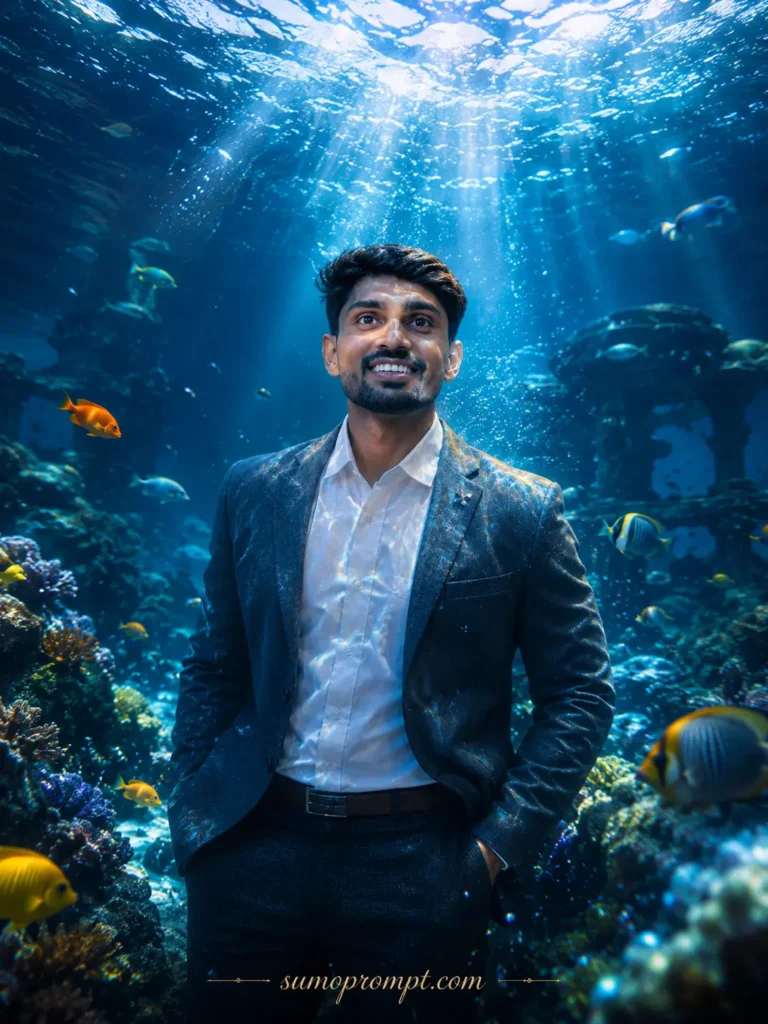
Use the uploaded photo as the face reference and preserve the face with 100% accuracy — same facial structure, skin tone, eyes, hairstyle, and natural expression, with no beautification or alteration. Create an ultra-realistic cinematic underwater portrait. The subject floats gracefully beneath the surface of clear turquoise-blue water, body relaxed and weightless, hair and clothing drifting softly around them. Bright sunlight breaks through the surface above in dramatic god-rays, with tiny bubbles rising and a soft ethereal glow. Flowing fabric moves naturally in the water. Cinematic color grading in cool blue and teal tones, realistic skin texture, gentle light refraction, ultra-detailed 8K quality, shot on a wide portrait lens, aspect ratio 4:5.
Want variations? Try these prompt tweaks:
- Golden-hour underwater: swap “cool blue tones” for “warm golden sunlight filtering through shallow water.”
- Deep ocean drama: change the setting to “deep dark ocean with a single beam of light from above and glowing bioluminescent particles.”
- Flower / dress edit: add “wearing a flowing white gown surrounded by drifting flower petals.”
How to Use the Underwater Prompt in ChatGPT (Step by Step)
- Open ChatGPT (app or web) and log in.
- Tap the plus (+) icon and upload the photo you want to transform.
- Paste the underwater prompt from above into the message box.
- Hit send and wait a few seconds for ChatGPT to generate your underwater portrait.
- Download the image and post it to Instagram, Stories, or set it as your DP.
That’s it — your cinematic underwater AI photo is ready.
Tips for a More Realistic Underwater Photo
- Use a clear, front-facing photo with good lighting so the face stays sharp.
- Mention the light direction — “sunlight from above” gives that signature god-ray effect.
- Add fabric or hair movement in the prompt; drifting elements sell the “underwater” feeling.
- Keep the color palette consistent — blue/teal for cool, gold for warm; mixing them looks flat.
- Post with hashtags like #underwaterphotography #aiphotoediting #chatgptprompt for reach.
Viral Underwater AI Prompt for 2026
This underwater AI prompt creates a cinematic fantasy scene with realistic water reflections, floating subjects, soft sunlight rays, and immersive ocean details. Its dreamlike storytelling, ultra-realistic textures, and social media-friendly visuals make it perfect for Instagram Reels, YouTube Shorts, and creative AI photo editing projects in 2026.
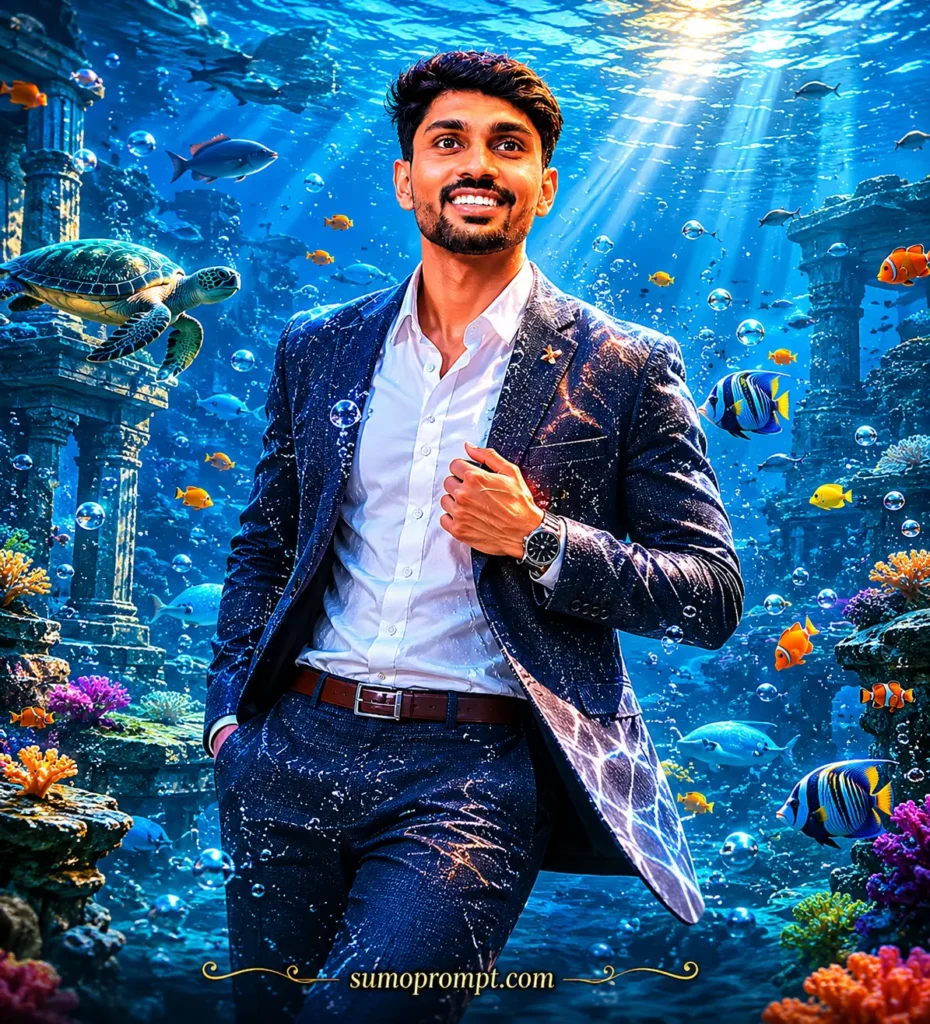
Create an ultra-realistic underwater fantasy portrait of a young person standing beneath a crystal-clear ocean. Sunlight beams penetrate through the water surface creating cinematic light rays and realistic reflections. Colorful tropical fish swim around while flowing hair and fabric move naturally with ocean currents. Add realistic bubbles, glowing corals, underwater plants, magical ocean atmosphere, DSLR photography quality, shallow depth of field, ultra HD 8K resolution, photorealistic skin textures, luxury cinematic color grading, realistic water particles, fantasy storytelling composition. Add “sumoprompt.com” as a subtle elegant footer watermark.
Underwater AI Photo Editing Prompts 2026
Underwater AI Photo Editing Prompts 2026 are trending across social media for creating stunning ocean-inspired visuals with realistic water effects, cinematic lighting, floating poses, and fantasy aesthetics. These prompts help creators generate viral AI images, eye-catching reels, and professional artwork with ease. Perfect for Instagram, YouTube Shorts, and digital content creation in 2026.
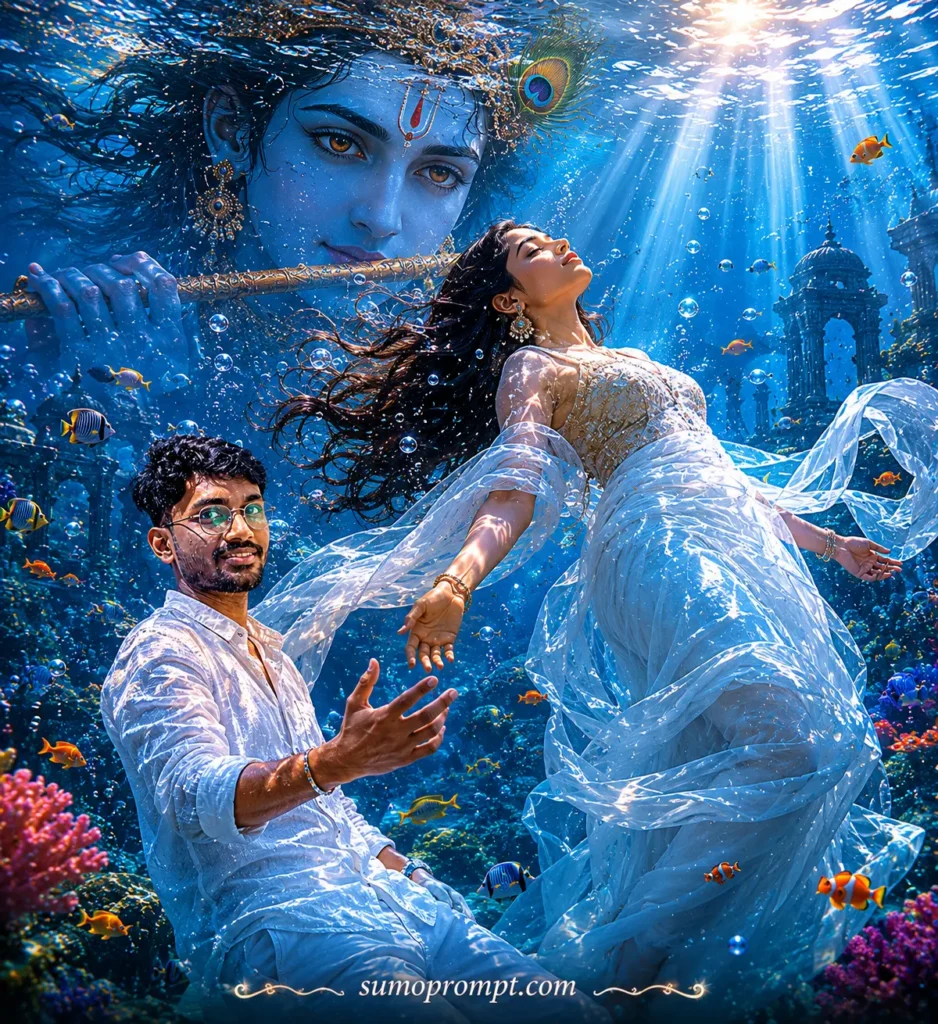
A surreal yet realistic underwater scene of a young woman fioating calmly, body slightly arched backward, viewed from a low angle. The water surface above shows soft natural ripples with gentle sunlight rays entering the water, creating subtle
caustic light patterns.
In the background, krishna eye
frame symmetrically, partially blended with water reflections.
He
has natural brown eyes
Lighting is soft and cinematic, natural sunlight, no
overexposed glow, no heavy particles. Colors are balanced
with mild teal water tones and warm skin tones, not
oversaturated
Style: ultra-realistic digital art, clean details, sharp focus,
minimal noise, natural textures, no excessive effects, no
fantasy glow, no sparkles.
Underwater Photo Editing Prompts – underwater spiritua scene
Underwater Spiritual Scene combines divine symbolism with breathtaking underwater beauty to create peaceful and visually stunning AI artwork. Featuring meditation, sacred elements, cinematic light rays, realistic water reflections, and spiritual energy, these prompts are perfect for creating viral devotional AI images, reels, and digital art with a calm and immersive atmosphere.
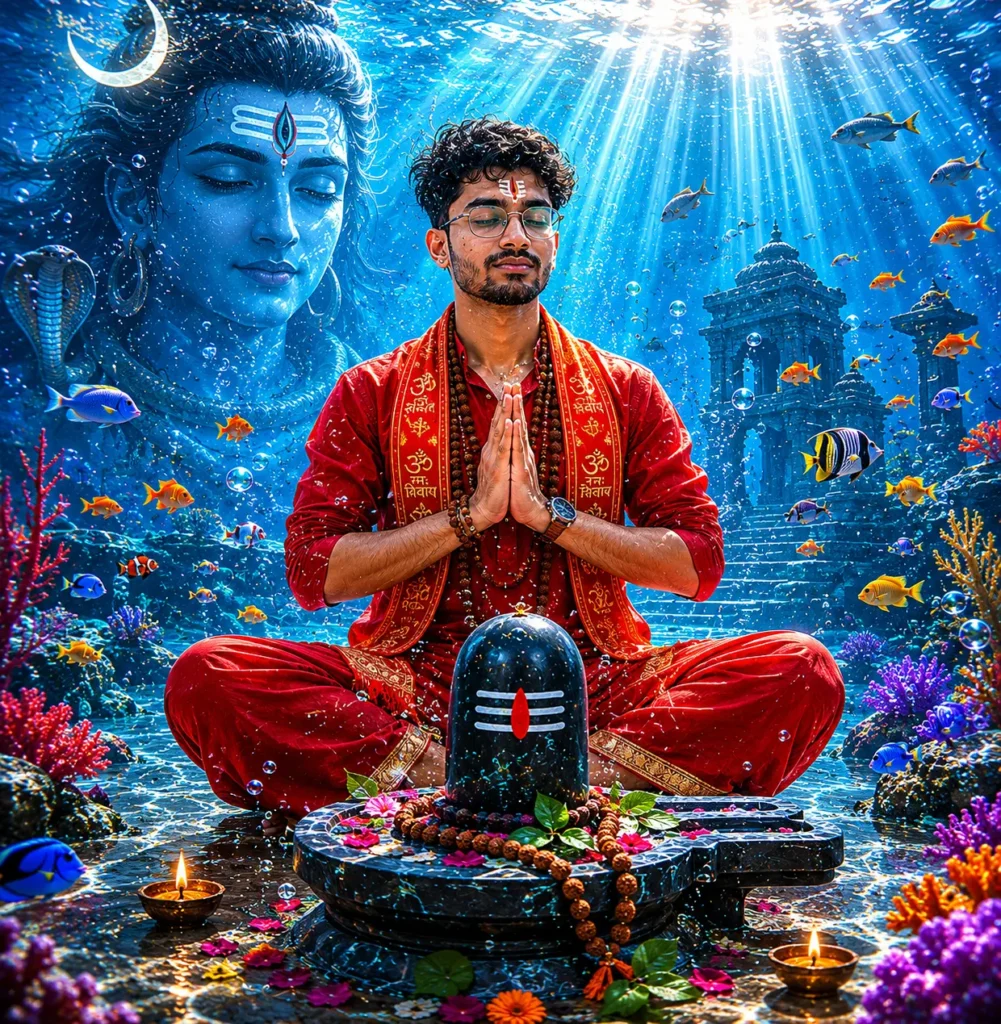
A serene underwater spiritua scene featuring a young Hindu woman meditating in a lotus position beneath the ocean. Red kurta He has long fiowing black hair drifting in the water, eyes closed in deep meditation, and hands joined in a Namaste gesture. He wears red traditional dhoti pants with golden borders, sacred rudraksha beads around his neck and wrists, and a red devotional scarf draped over his shoulders. A sacred tilak mark is visible on his forehead. In front of him stands a black Shiva Lingam placed on a stone base. Sunlight rays pierce through the ocean surface above, creating divine beams of light illuminating the yogi. Small colorful fish swim around
him in a circular formation, with coral reefs and vibrant underwater plants in red, purple, and gold surrounding the scene. Air bubbles rise gently through the clear turquoise
water.
The atmosphere is mystical, divine, and peaceful, highly
detailed, ultra-realistic, cinematic lighting, volumetric light
rays, high resolution, 8K
🚀 Make Your AI Photo Instantly
Upload your photo and generate stunning AI images with ChatGPT.
📸 Make Photo NowFAQs: Underwater AI Prompt
What is the underwater prompt for ChatGPT?
It’s a detailed AI prompt that turns your uploaded photo into a realistic underwater portrait while keeping your real face intact.
Is it free to make?
You can create these edits with ChatGPT; image generation limits depend on your plan, but the prompt itself is free to use.
Does it work on Android and iPhone?
Yes. The ChatGPT app works on both, and the prompt works the same way on each.
Can I use Gemini instead?
Yes, but ChatGPT usually handles fine lighting and face detail better for this look. Gemini works well for quick versions.
My face looks changed — how do I fix it?
Start the prompt with a strong face-lock line (“preserve the uploaded face with 100% accuracy, no changes”) and use a sharper reference photo.
Conclusion
The underwater prompt for ChatGPT turns a plain selfie into a cinematic, scroll-stopping portrait in seconds — no camera, no shoot, no editing skills. Upload your photo, paste the prompt, and experiment with the variations to find your favorite look. Keep checking back for more viral AI photo editing prompts in 2026 — fresh ones drop every week!
Also Read: Bajrangbali AI Gym Photo Editing Prompt | Viral Hanuman AI Photo Reel Tutorial | Viral Prompt 2026